Prefer to just run your own numbers first? Use our free calculators below.
You can give your homepage tool here
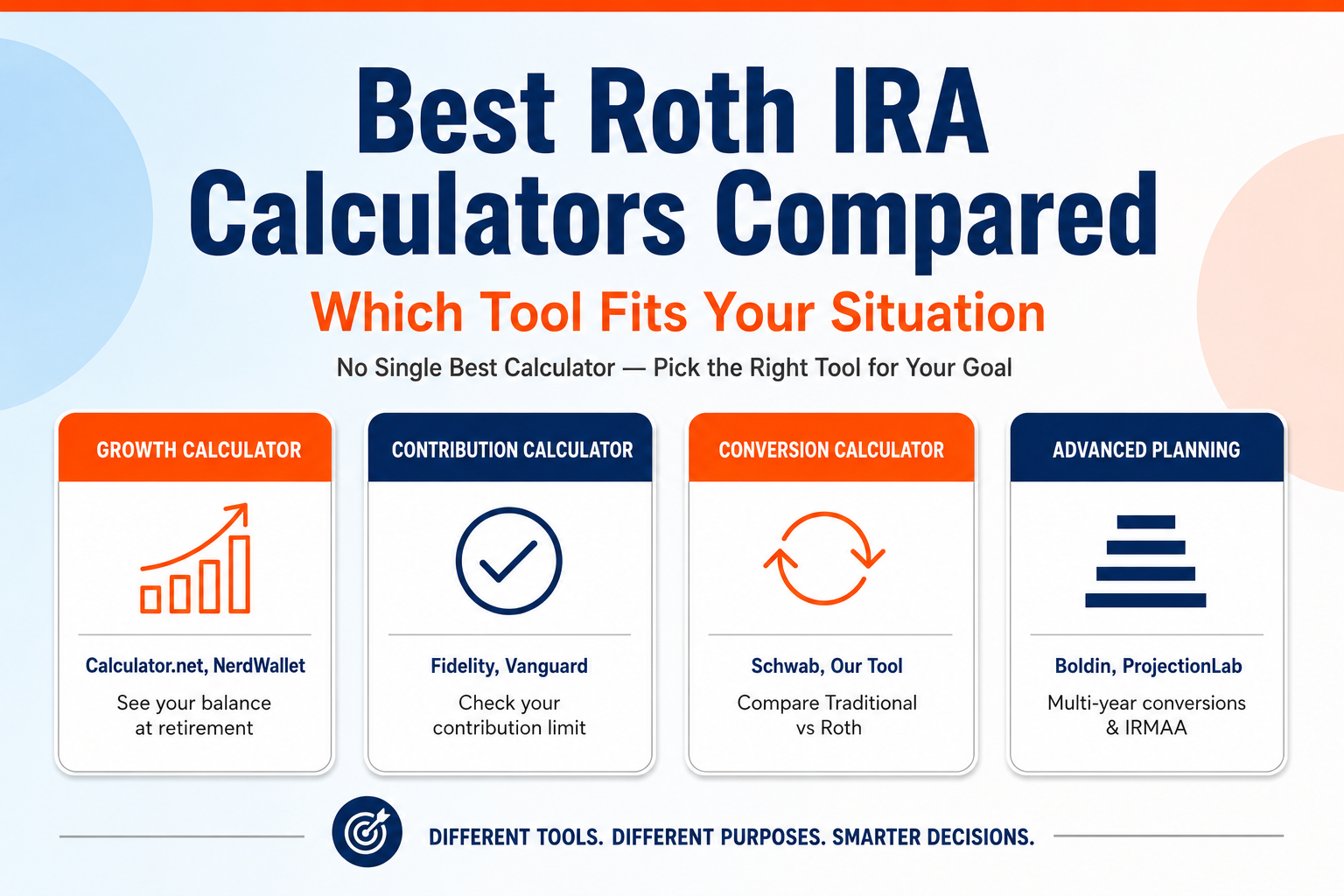
There isn’t one single best Roth IRA calculator; it depends on your goal. For a fast growth projection, a simple tool like ours or Calculator.net works well. For checking your contribution limit, Fidelity’s or our own contribution calculator asks the right questions. For comparing Roth versus Traditional, Schwab’s calculator is built specifically for that. For deep, multi-year Roth conversion planning, tools like Boldin or ProjectionLab go further than any single-page calculator can.
Which is the Best Roth IRA Calculator?
Roth IRA calculators aren’t all trying to answer the same question. A tool built to project your balance at retirement isn’t built to check your income eligibility, and a tool built to compare Roth versus Traditional isn’t built to plan a multi-year conversion strategy. Picking the wrong type of tool for your question is the most common reason people end up confused by the results.
Below is a practical breakdown of which calculator to use for which job, including our own tools and a few well-known outside options.
The Best Roth IRA Calculator for Each Goal
| Your Goal | Best Tool | Why |
| See your tax-free growth over time | Our Roth IRA calculator, or Calculator.net | Simple inputs, clear side-by-side comparison against a taxable account |
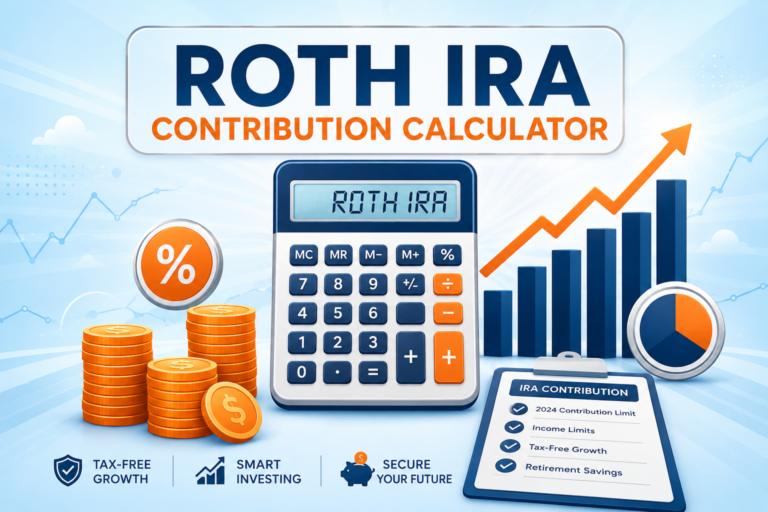
| Check your contribution limit and eligibility | Our Roth IRA contribution calculator, or Fidelity’s IRA Contribution Calculator | Asks for your age, filing status, and income to apply the correct phase-out |
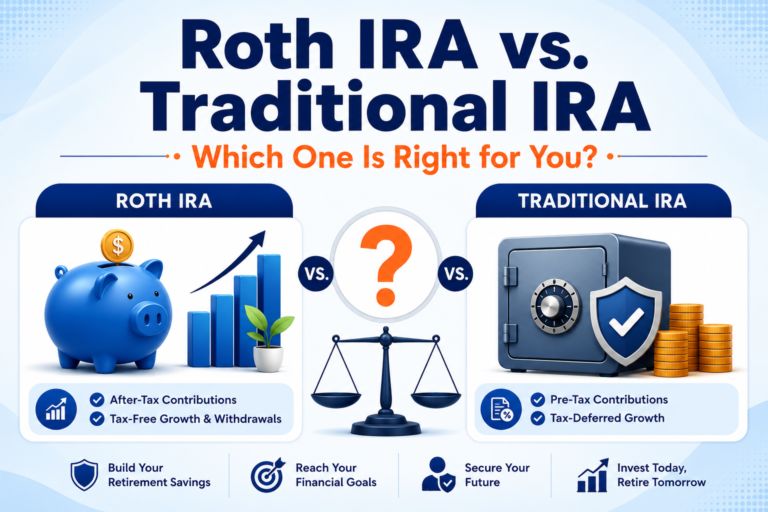
| Compare Roth vs. Traditional IRA | Charles Schwab’s Roth vs. Traditional calculator | Built specifically to weigh your current tax bracket against your expected bracket in retirement |
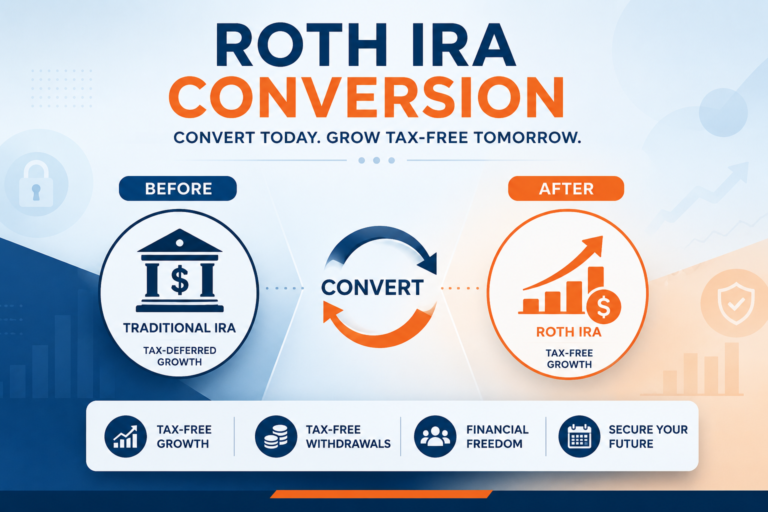
| Plan a Traditional-to-Roth conversion | Our Roth IRA conversion calculator | Shows the tax cost of converting now versus the long-term tax-free upside |
| Model long-term contributions with catch-up and inflation | NerdWallet’s Roth IRA calculator | Let’s factor in catch-up contributions and adjust for inflation over time |
| Plan a multi-year Roth conversion strategy around tax brackets and IRMAA | Boldin (formerly NewRetirement) | Built for detailed, multi-year conversion and tax-bracket planning, not just a single estimate |
| Run historical or Monte Carlo retirement simulations | ProjectionLab or FICalc.app | Test your plan against real historical market data instead of a fixed assumed return |
| Quickly see how changing one input affects your numbers | Engaging Data | Interactive sliders built for fast what-if comparisons |
Our Own Roth IRA Calculators
If you just want a fast, free answer without digging through a third-party tool, our own calculators cover the three most common questions people search for. Our Roth IRA calculator projects your balance at retirement and compares it to a taxable account.
Our Roth IRA contribution calculator checks your exact contribution limit based on your age, income, and filing status. And our Roth IRA conversion calculator estimates whether converting a traditional IRA or old 401(k) is worth the tax bill. All three are free, require no sign-up, and are updated for 2026 IRS numbers.
Big-Name Broker and Finance Site Calculators
These calculators come from large, well-known financial companies. They’re solid, free options if you’d like a second opinion or already have an account with one of them.
- Calculator.net’s Roth IRA Calculator: A straightforward growth calculator that shows your projected Roth balance next to a regular taxable account, so you can see the tax-free advantage side by side.
- Fidelity’s IRA Contribution Calculator: Focused specifically on eligibility. It asks for your tax year, age, filing status, and income, then tells you exactly how much you’re allowed to contribute.
- Charles Schwab’s Roth vs. Traditional Calculator: Built around one specific decision, comparing your current tax bracket to your expected bracket in retirement to help you pick between account types.
- Vanguard’s IRA Contribution Calculator: Similar to Fidelity’s, checking your contribution limit based on your age, filing status, and income, with the option to factor in employer plan coverage.
- NerdWallet’s Roth IRA Calculator: A retirement-savings-focused tool that models your contributions forward to retirement age, with room to adjust for catch-up contributions.
- Bankrate and Thrivent’s Roth IRA Calculators: Both offer similar growth-projection calculators with straightforward balance and starting-age inputs.
Deeper Retirement and Roth Conversion Planning Tools
If you’ve outgrown a single-page calculator, meaning you’re trying to plan a multi-year Roth conversion strategy, model Medicare surcharges, or stress-test your plan against real historical markets, these tools go further than any of the calculators above.
- Boldin (formerly NewRetirement): Widely recommended for detailed, multi-year Roth conversion planning, including modeling how conversions interact with tax brackets and Medicare IRMAA surcharges. It has a steeper learning curve than a simple calculator, but it goes far deeper.
- ProjectionLab: A flexible retirement modeling tool known for its clean interface and Monte Carlo and historical backtesting features, letting you stress-test a Roth conversion plan against many possible market outcomes.
- FICalc.app: Runs your retirement plan against historical U.S. market data going back to 1871, useful for seeing how a plan would have held up across real past market cycles rather than one assumed average return.
- Engaging Data: A free tool built around interactive sliders, useful for quickly seeing how changes to inflation, taxes, or income affect your numbers without filling out a long form.
Why Two Roth IRA Calculators Can Give You Different Answers?
If you’ve ever run the same numbers through two different Roth IRA calculators and gotten two different results, you’re not imagining it. Two assumptions are usually behind most of the gap.
- Contribution timing. Some calculators assume your full annual contribution goes in on January 1st, which is the best case for compounding. Others spread it evenly across the year, matching how most people actually contribute through automatic monthly transfers. A few assume it all goes in at the very end of the year, which is the worst case for compounding. Over a few decades, timing alone can meaningfully change the projected ending balance, even though every version is technically a valid assumption.
- Compounding frequency. Some tools compound annually, others monthly, and a few compound daily. The more frequently a calculator compounds, the higher the projected balance tends to be, all else being equal.
Neither assumption is wrong on its own. The problem is that most calculators don’t tell you which one they’re using, so two accurate tools can look like one of them is broken.
What to Look for in a Roth IRA Calculator?
A handful of features separate a genuinely useful Roth IRA calculator from one that just spits out a single confident-looking number:
- It shows the contribution-versus-growth breakdown, not just a final balance, so you can see how much of your result actually came from compounding.
- It lets you choose or at least see how contribution timing is handled (annual, monthly, or end-of-year).
- It accounts for the income phase-out range rather than assuming everyone qualifies for the full contribution.
- It’s updated for the current year’s IRS limits, not last year’s.
- It lets you factor in catch-up contributions if you’re 50 or older.
Frequently Asked Questions
What is the best Roth IRA calculator overall?
There isn’t one best calculator for every situation. For a quick growth projection or contribution check, a free tool like ours, Fidelity’s, or NerdWallet’s works well. For deep, multi-year Roth conversion planning, tools like Boldin or ProjectionLab go further.
Why did two Roth IRA calculators give me different results for the same numbers?
Usually, it comes down to two hidden assumptions: when the calculator assumes your contribution is deposited during the year, and how often it compounds your returns. Both can noticeably change the projected ending balance.
Are free Roth IRA calculators accurate?
Most reputable ones are mathematically accurate for the assumptions they use, but those assumptions vary between tools. The number itself is only as good as the assumptions behind it, which is why it’s worth understanding what each calculator assumes about contribution timing and compounding.
Do any Roth IRA calculators account for the income phase-out?
Some do, and some don’t. Tools built specifically for eligibility, like Fidelity’s, Vanguard’s, or our own contribution calculator, are designed to apply the phase-out. Pure growth calculators often assume you already qualify for the full amount.
Is a paid retirement planning tool worth it over a free calculator?
For a simple growth projection or contribution check, a free calculator is usually enough. Paid tools like Boldin or ProjectionLab start to earn their cost once you’re planning something more complex, like a multi-year Roth conversion strategy or modeling Medicare surcharges.
Conclusion
Use our Roth IRA calculator or Roth IRA contribution calculator to get a fast, free answer to the question you actually have. If your situation is more complex, layering in conversions, multiple accounts, or Medicare planning, that’s when it’s worth stepping up to a dedicated planning tool like Boldin or ProjectionLab.